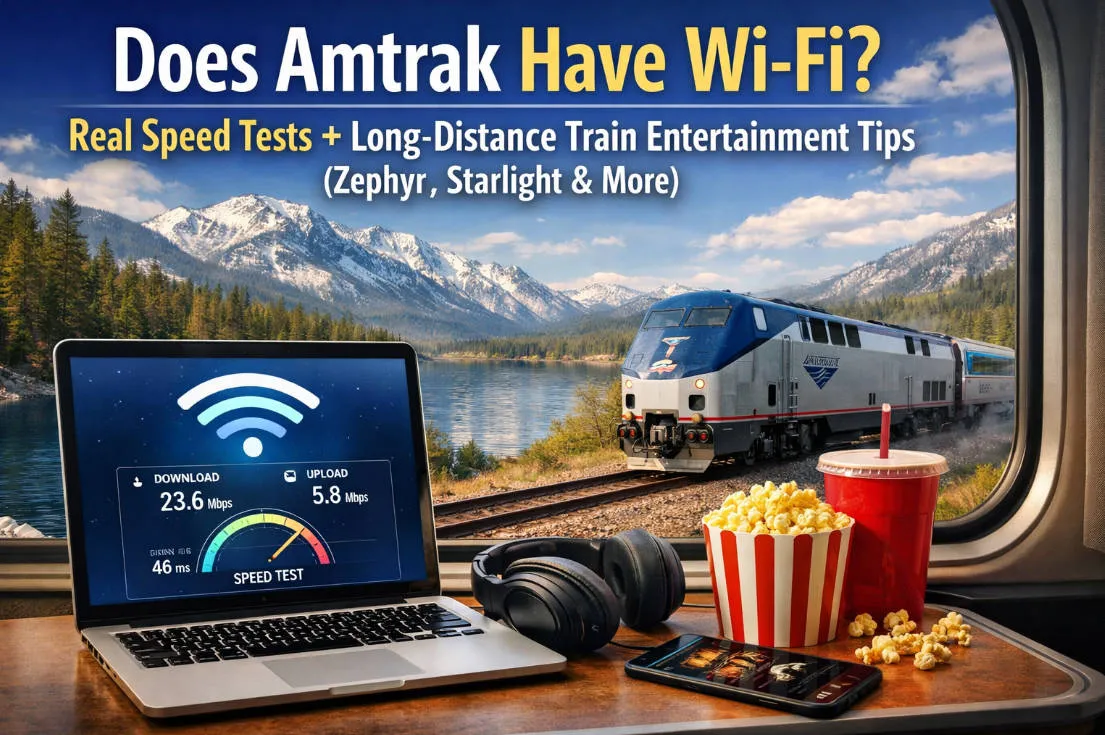
In 2026, Amtrak remains a top choice for travelers exploring the vast American landscape, offering scenic journeys from coast to coast without the hassle of airports or highways. However, for tech-savvy passengers, a burning question persists: Does Amtrak have WiFi? How reliable is the speed, especially on epic long-haul routes like the California Zephyr (Chicago to San Francisco, about 52 hours) or Coast Starlight (Los Angeles to Seattle, around 35 hours)? Based on the latest 2026 data, this guide dives deep into Amtrak's WiFi availability, real-world speed tests, signal challenges, and practical entertainment suggestions to make your offline time enjoyable. Whether you're a remote worker or a scenery seeker, we'll help you prepare for a seamless ride.
📶 1. Amtrak Wi-Fi Overview (2026)
As of 2026, Amtrak offers free onboard Wi-Fi on a large portion of its network, but the service comes with important limitations and varies significantly by train and route.
📡 Coverage & Which Trains Have It
Amtrak provides free basic Wi-Fi — often branded as AmtrakConnect — on many corridor and some long-distance trains and in select stations across the United States.
The onboard Wi-Fi is primarily available on:
-
Corridor and state-supported trains such as Capitol Corridor, Pacific Surfliner, San Joaquins, and Illinois Zephyr / Carl Sandburg trains.
-
Popular long-distance trains including Adirondack, Crescent, Carolinian, Downeaster, and more.
-
Premium services like the modern NextGen Acela, which feature upgraded 5G-enabled Wi-Fi combined with USB and power outlets at every seat on select classes.
However, not every train has Wi-Fi yet — especially many classic long-distance services such as the California Zephyr, Southwest Chief, and Coast Starlight often lack dedicated onboard Wi-Fi and passengers must rely on cellular data instead.
🌐 What You Can Actually Expect
Amtrak’s onboard Wi-Fi is intended for general web browsing and light tasks (email, messaging, web research) — but it’s not designed for streaming video, music, or large downloads. Bandwidth is shared among all riders and constrained by cellular backhaul, meaning speeds can be slow and inconsistent.
-
Basic browsing — usually possible
-
Streaming — typically restricted or blocked
-
Large downloads — can be very slow or discouraged
This also means that reliability varies by region and terrain — Wi-Fi and cellular service can drop out in remote areas, especially on long cross-country routes.
🛠️ Future Improvements
Amtrak is actively working on improving onboard connectivity — exploring higher-capacity solutions like fiber-backhaul and next-generation wireless technology to boost speed and stability, especially along high-traffic corridors like the Northeast.
🚄 Amtrak Trains with Onboard Wi-Fi
| Region/Type | Specific Routes |
|---|---|
| High-Speed/Business | Acela |
| Northeast & East | Northeast Regional, Adirondack (U.S. only), Amtrak Hartford Line, Berkshire Flyer, Downeaster, Empire Service, Ethan Allen Express, Keystone, Palmetto, Pennsylvanian, Valley Flyer, Vermonter |
| Midwest | Blue Water, Hiawatha Service, Illinois Zephyr/Carl Sandburg, Lincoln Service, Missouri River Runner, Pere Marquette, Wolverine Service |
| South & Connectors | Auto Train, Cardinal, Carolinian, Crescent, Silver Meteor, Amtrak Mardi Gras Service |
| West & Others | Amtrak Cascades (U.S. only), Capitol Corridor, Pacific Surfliner, San Joaquins (Note: Includes Gold Runner and Florida-related lines) |
| Cross-Border | Maple Leaf (Unavailable in Canada) |
Note: Wi-Fi service is not available for these routes when traveling within Canada.
🚉 Amtrak Stations with Wi-Fi
| City | Station & Availability |
|---|---|
| New York | Moynihan Train Hall, Penn Station (Gates and Lounges Only) |
| Washington, DC | Union Station (Gates and Lounges Only) |
| Philadelphia | William H. Gray III 30th Street Station (Gates and Lounges Only) |
| Boston | South Station (Lounges Only) |
| Chicago | Union Station |
| Other East | Baltimore (MD), Providence (RI), Westwood (MA-Route 128), Wilmington (DE) |
| South | Lorton (VA), Sanford (FL) |
📊 2. Real-World Speeds & Coverage
While official Amtrak materials list Wi-Fi availability on many trains, real-world performance often varies widely depending on train type, route, time of day, network congestion, and terrain.
Here’s what you can realistically expect in 2026 based on crowdsourced tests and traveler reports:
🚅 2.1 Average Speed Observations
| Train / Service Type | Typical Real-World Speeds | User Experience Notes |
|---|---|---|
| Northeast Corridor (NEC) — Acela / Northeast Regional | ~5–15 Mbps download | Best overall performance; consistent signal through major corridors and cities |
| State-Supported Corridor Trains (e.g., Pacific Surfliner, Capitol Corridor) | ~3–10 Mbps download | Generally stable, good for browsing & messaging |
| Long-Distance Trains with Wi-Fi Listed (e.g., Crescent, Silver Meteor) | ~1–5 Mbps download | Variable — can be slow or intermittent outside urban areas |
| Wi-Fi-listed but Remote Routes | ~0.5–3 Mbps download | Frequent dropouts and weak signal in rural / mountainous regions |
| Non-Wi-Fi Trains (e.g., California Zephyr, Southwest Chief) | N/A | Rely on cellular data (see next section) |
💡 Typical upload speeds tend to be much lower (often <1–3 Mbps) because backhaul networks prioritize downstream content.
⚠️ Streaming video is usually not supported over Amtrak Wi-Fi, and many services actively block major streaming platforms to preserve bandwidth for all riders.
📍 2.2 Coverage Realities: Where It Works Well — and Where It Doesn’t
-
Urban & Corridor Segments — Intercity routes that run between major hubs (e.g., BOS–NYC–PHL–WAS or LA–SD) often maintain usable Wi-Fi throughout most of the trip.
-
Suburban & Smaller Cities — Coverage usually holds, though speeds can dip during peak hours or if many passengers are online simultaneously.
-
Rural, Mountainous & Desert Areas — Wi-Fi performance degrades quickly outside cell tower range. On many long-distance trains, service drops entirely for extended periods.
📊 Key coverage takeaways:
-
Wi-Fi is most dependable in dense population corridors with good cellular backhaul.
-
Even when official Wi-Fi is present, performance can vary minute-by-minute as the train moves through different coverage zones.
-
On long-distance routes that lack official Wi-Fi, your only option for internet access is your own mobile hotspot — and speeds will depend on carrier coverage maps.
🧪 2.3 Example Speed Test Scenarios
To give readers practical expectations:
🚆 Northeast Regional (NEC)
-
Speed tests on multiple segments between New York and Washington, DC commonly show 6–12 Mbps down, 2–4 Mbps up, sufficient for basic web browsing, email, voice calls, and light work.
🚆 Pacific Surfliner (SoCal)
-
Tests between San Diego–Los Angeles tend to stay in the 4–9 Mbps range — decent for remote productivity and light streaming on personal mobile data (not Amtrak Wi-Fi).
🚆 Silver Meteor / Silver Star
-
Speeds can vary from 2–5 Mbps in populated regions but often drop below 1 Mbps in rural stretches, especially in the Deep South.
🚆 Non-Wi-Fi Long-Distance (California Zephyr)
-
No official onboard Wi-Fi — speed entirely dependent on your phone plan and carrier; expect dead zones through mountains and deserts.
📡 2.4 Tips to Improve Onboard Connectivity
If you want the best chance of staying connected:
✅ Bring your own hotspot / phone data plan — especially for long distances and rural routes.
✅ Position near windows on the side facing cell towers — often gives better reception than interior seats.
✅ Turn off auto-updates and background cloud syncing to preserve bandwidth for essential tasks.
✅ Test multiple carriers if you travel often — coverage can vary dramatically in remote areas.
🚆 3. Long-Distance Trains: Zephyr & Starlight
Long-distance Amtrak trains are famous for scenery, space, and slow travel — but not for reliable internet. If you’re riding routes like the California Zephyr or Coast Starlight in 2026, it’s important to reset your expectations about Wi-Fi and connectivity.
🏔️ 3.1 California Zephyr: Stunning Views, Near-Zero Wi-Fi
Route: Chicago → Denver → Salt Lake City → San Francisco Bay Area
Official onboard Wi-Fi: ❌ Not available
The California Zephyr is often considered the most scenic train ride in the U.S. — but from a connectivity standpoint, it’s also one of the most challenging.
-
No official Amtrak Wi-Fi onboard
-
Internet access depends entirely on your personal mobile data or hotspot
-
Long stretches through the Rocky Mountains, Utah deserts, and Sierra Nevada have little to no cellular coverage
Real-world experience:
-
Short bursts of usable signal near cities and towns
-
Extended dead zones lasting 30–90 minutes or more
-
Even basic tasks like loading email can fail in remote segments
👉 Bottom line: The Zephyr is ideal for offline travel — reading, writing, photography, journaling, or simply enjoying the view. It is not suitable for remote work, video calls, or real-time collaboration.
🌊 3.2 Coast Starlight: Slightly Better — But Still Limited
Route: Seattle → Portland → Los Angeles
Official onboard Wi-Fi: ❌ Not consistently available
The Coast Starlight runs closer to major population centers than the Zephyr, which means cellular coverage is somewhat better, but expectations still need to be realistic.
What to expect:
-
Intermittent cellular signal along coastal California and urban areas
-
Weak or nonexistent coverage in mountainous and forested regions
-
No dependable onboard Wi-Fi for most of the route
Real-world experience:
-
Messaging apps may work sporadically
-
Web pages load slowly and inconsistently
-
Streaming and cloud uploads are largely impractical
👉 Bottom line: Compared to the Zephyr, the Coast Starlight offers slightly more connectivity, but it’s still best treated as a low-connectivity journey rather than a mobile office.
📡 3.3 Why Long-Distance Trains Struggle with Wi-Fi
The problem isn’t just Amtrak — it’s physics and geography.
-
Long-distance routes pass through rural, mountainous, and sparsely populated areas
-
Onboard Wi-Fi relies on cellular backhaul, not satellites
-
Fewer cell towers = weaker signal + frequent dropouts
-
Bandwidth is shared among all passengers when it does exist
Even in 2026, no U.S. long-distance train offers truly high-speed, continuous Wi-Fi comparable to airplanes or urban rail corridors.
🧠 3.4 Best Connectivity Strategy for Zephyr & Starlight
If you’re riding either train, plan ahead:
✅ Download movies, podcasts, playlists, and maps before boarding
✅ Bring books, offline documents, or work that doesn’t require live internet
✅ Use a phone hotspot only as a backup, not a primary connection
✅ Choose window seats — they often get slightly better reception
❌ Do not plan critical meetings, deadlines, or uploads during the trip
📱 4. Best Ways to Stay Connected on Amtrak (2026 Edition)
If the onboard Wi-Fi is sluggish or non-existent (looking at you, California Zephyr), here is the 2026 playbook for maintaining a rock-solid connection.
📶 4.1 Bring Your Own Hotspot (The Fail-Safe)
Dedicated mobile hotspots are the #1 tool for professional travelers in 2026. They offer better antennas than your smartphone and don't drain your phone's battery.
-
Top 2026 Pick: T-Mobile Inseego MiFi X PRO 5G. It accesses the largest 5G network in the U.S. and features a built-in Ethernet port if you want to hardwire your laptop for maximum stability.
-
The "Rural King": Verizon TCL LINKZONE 5G UW. Verizon still holds the edge in rural "trackside" coverage along many Midwestern and Southern routes.
-
Carrier Tip: In 2026, AT&T and Verizon remain the most reliable for long-distance routes, while T-Mobile dominates the high-speed corridors.
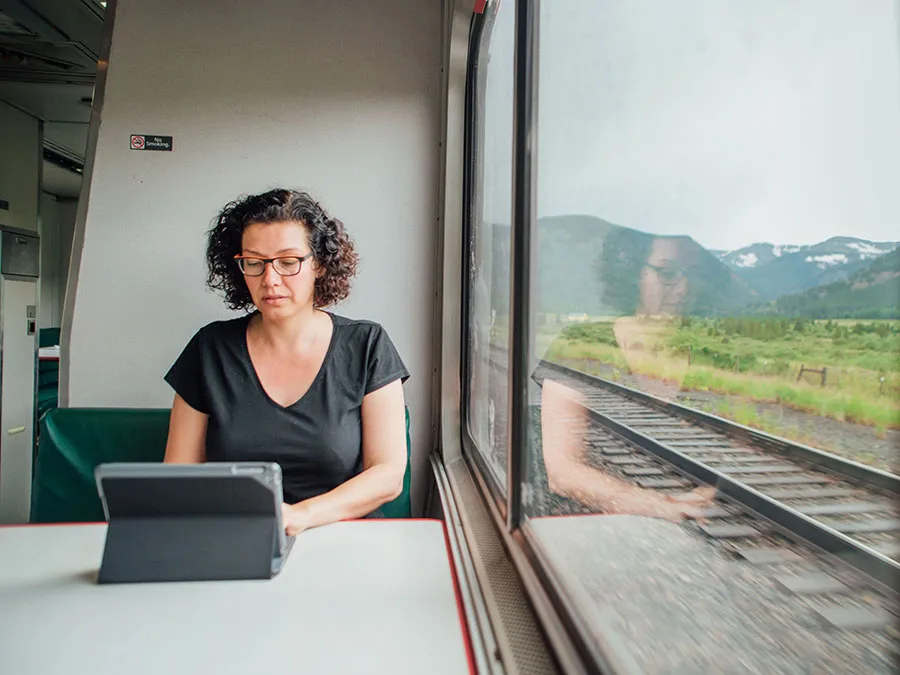
💻 4.2 Professional Remote Work Tips
If you plan to work an 8-hour shift from the Sightseer Lounge, follow these "Rail-Work" rules:
-
The VPN Essential: Amtrak Wi-Fi is an open network. In 2026, security threats are more sophisticated; always use a VPN (like Proton or Nord) to protect your data.
-
Sync Before the "Gaps": When you see a large city on the horizon (like Denver, Omaha, or Reno), hit "Sync" on your Google Drive or Dropbox. You’ll have a 20-minute window of high-speed 5G to push your work to the cloud before the train heads back into a valley.
-
Low-Bandwidth Mode: Set your Slack or Teams to "low-bandwidth" mode. Disable auto-playing videos and high-res image previews to stretch your data.
🛠️ 4.3 The 2026 Tech Packing List
| Item | Why You Need It |
| GaN Multi-Charger | Modern 65W+ GaN chargers are small and can power a laptop + phone from the single outlet found in older Amtrak cars. |
| USB-C to C Cable | Newer Amtrak Airo™ and NextGen Acela trains have integrated USB-C ports at every seat. |
| Signal Booster | For long-distance regulars, a portable cellular booster (like a WeBoost) can sometimes grab a "faint" signal in the woods where a phone cannot. |
| Offline Translator | If you're on the Adirondack or Maple Leaf heading to Canada, download French/English offline maps and dictionaries before the border. |
💡 The "Fresh Air" Strategy
On long-distance routes, Amtrak has "Fresh Air Breaks" (usually 15–30 minutes) at major stations. These are your best opportunities to:
-
Download a new movie.
-
Upload large work files.
-
Make that important FaceTime call you couldn't do on the moving train.
🎧 5. Productivity & Entertainment Tips
In 2026, traveling by rail is the ultimate "slow travel" hack, but staying productive or entertained requires a bit of strategy. Whether you're turning your seat into a mobile office or looking for the perfect cinematic pairing for the Rocky Mountains, here is how to master the journey.
💻 5.1 Working from the Rails
Working on a train is different than a coffee shop. You have constant motion, changing light, and unpredictable signal gaps.
-
The "Offline Mode" Workflow: Treat the train like an airplane. Use the stretches with Wi-Fi to "pull" your data (emails, documents, research) and the "Dead Zones" to do deep work.
-
The Power Grid: While 2026 Airo and Acela trains have reliable USB-C and AC outlets, older long-distance cars can be finicky. Always bring a GaN multi-port charger to make the most of the single outlet at your seat.
-
The Quiet Car Etiquette: If you're on a corridor train (like the Northeast Regional), the Quiet Car is your library. No phone calls, and keep your "clicky" mechanical keyboard typing to a minimum.
🎬 5.2 The "Amtrak Movie Night"
If you’re on a long-distance route like the Zephyr or Starlight, pairing your movie to the scenery is a 2026 travel trend.
-
The "Wilderness" Collection: Download 2025's breakout wilderness epic Train Dreams or classics like The Revenant as you cross the snowy Sierras.
-
The "Rail Mystery" Vibe: Nothing beats watching Murder on the Orient Express or Knives Out while sitting in a 1950s-era dining car.
-
For the Kids: Download the latest animated hits. Note that Amtrak's onboard "Entertainment Portal" (available on select routes) often has a rotating selection of free movies that don't require you to use your own data.
🎙️ 5.3 Podcasts & Audiobooks
Audio is the king of train entertainment because it allows you to keep your eyes on the window.
-
Scenic Guides: Look for the "US Rail Journeys" podcast or specific National Park Service audio tours that sync with your route.
-
The "Main Character" Playlist: 2026 travelers love creating "Lo-fi Rail" playlists. There’s a unique magic to listening to ambient synth-wave while the Oregon coastline rolls by in the rain.
🎒 5.4 The 2026 Amtrak "Tech Kit" Checklist
Before you head to the station, make sure you have these five essentials in your carry-on:
-
Noise-Canceling Headphones: Essential for blocking out the "clack-clack" of old tracks or a nearby snoring passenger.
-
Portable Power Bank (20,000mAh+): Just in case your seat outlet decides to take a nap.
-
Physical Book or e-Reader: Because sometimes, you just want to fully unplug.
-
Multi-Carrier Hotspot: If your job depends on it, don't rely on the train; bring your own 5G.
-
Reusable Water Bottle: Staying hydrated is the secret to avoiding "train brain" after 15 hours on board.
🚀 6. Pro Tips to Boost Your Amtrak Network Experience
If you want the best possible internet experience on Amtrak in 2026, small adjustments can make a noticeable difference. These tips won’t turn a long-distance train into a flying office — but they will help you stay connected longer and with less frustration.
6.1 Use a "Channel Bonding" App (The Game Changer)
In 2026, the secret weapon for train travelers is Speedify.
-
How it works: This app allows your laptop or phone to use multiple internet connections simultaneously.
-
The Strategy: Combine the Amtrak_WiFi with your phone’s 5G hotspot. When the train’s Wi-Fi dips in a valley, your 5G takes over seamlessly. If both are weak, Speedify "bonds" them together to keep your Zoom call from dropping.
6.2 Trigger the "Captive Portal" Manually
Nothing is more frustrating than connecting to "Amtrak_WiFi" but the login page never appears. If you're stuck:
-
The "NeverSSL" Trick: Open your browser and go to
neverssl.com. Because it’s a non-encrypted site, it will force the Amtrak login page to pop up immediately. -
Apple Users: Try going to
captive.apple.com.
6.3 Choose the "Low-Data" Lifestyle
The onboard routers prioritize light traffic. To stay in the "fast lane":
-
Turn off Auto-Updates: Disable Windows/App Store updates. One "hidden" 2GB update in the background will kill your connection for the rest of the trip.
-
Low-Bandwidth Mode: Set apps like Teams, Slack, or Discord to "Low-Bandwidth" or "Text Only" mode in their settings.
6.4 Leverage the "Station 5G" Bursts
On long-distance routes like the Zephyr, you will have "Fresh Air Breaks" at major stations (e.g., Denver, Salt Lake City, Sacramento).
-
The 20-Minute Sprint: These stations are usually in downtown areas with Ultra-Wideband (5G UW) coverage. This is your window to hit "Send/Receive" on all large email attachments or sync your cloud drive.
6.5 Scout the "Café Car" Table Tech
If you need to work, the Café Car tables are great, but the Airo™ (2026) and NextGen Acela trains actually have the best signal strength near the middle of each car, where the routers are typically mounted.
-
Pro Tip: If you're in an older car, sit near the window rather than the aisle. The "metal tube" effect of the train car can degrade your personal hotspot signal by up to 30%.
🛠️ Summary Checklist for the 2026 Traveler
-
[ ] Speedify installed and configured.
-
[ ] VPN active (Amtrak Wi-Fi is public and unencrypted).
-
[ ] Google Maps "Offline Area" downloaded for your route.
-
[ ] Browser Cache cleared (helps the login portal load faster).
-
[ ] GaN Charger packed (to keep your hotspot and laptop juiced).
⁉️ 7. Frequently Asked Questions (FAQ)
Q1: Can I stream Netflix or YouTube on Amtrak WiFi?
A: Generally, no (except on NextGen Acela). Amtrak limits bandwidth to ensure everyone can check emails. Streaming sites are often throttled or blocked.
Q2: Is the WiFi secure?
A: No. It is an open public network. Always use a VPN for banking or sensitive work.
Q3: Does Amtrak offer technical support for WiFi?
A: No. If it's down, the conductor can report it, but they cannot fix your connection.
Q4: Are there USB ports on all trains?
A: In 2026, all Airo and Acela trains have USB-C. Older Superliner cars only have standard AC outlets.
Q5: How do I connect to Amtrak WiFi?
A: Search for "Amtrak_WiFi" in networks. Open your browser to accept terms and land on the portal. For Capitol Corridor/Gold Runner: Look for "YourTrainWiFi."
Q6: Can I use a VPN?
A: Yes, supported on Amtrak WiFi.
Q7: Do long-hauls like Zephyr really have zero WiFi?
A: Yes, as of early 2026. Starlink tests are in talks, but currently signal-blind.
Q8: Can I connect multiple devices?
A: Not recommended—shared bandwidth slows everything; stick to one primary device.
Amtrak is getting faster and smarter, but its greatest charm remains the sections where the signal disappears. Work on the Acela, but live on the Zephyr. Download your content, pack a power bank, and enjoy the rarest luxury of 2026: the freedom to be unreachable.