If you're planning to navigate the vibrant streets of San Francisco or explore the wider Bay Area in 2026, the Clipper Card is your ultimate ticket to seamless public transportation. This all-in-one transit card simplifies rides on Muni buses, iconic cable cars, BART trains, ferries, and more, saving you time and money amid the region's bustling transit network. With the recent rollout of Next-Generation Clipper (also known as Clipper 2.0), 2026 brings exciting updates like contactless credit card payments and discounted transfers, making Bay Area public transportation more accessible than ever. Whether you're a local commuter, a tourist hopping on San Francisco's historic cable cars, or venturing to Oakland via BART, this comprehensive Clipper Card guide for 2026 will help you master it all.
📌 TL;DR: The Quick Start Guide to the SF Clipper Card
Short on time? Here is everything you need to know about riding transit in the Bay Area:
-
What is it? The Clipper Card is an all-in-one transit card used for BART, Muni buses, Cable Cars, Caltrain, and ferries in San Francisco and the Bay Area.
-
How much does it cost? A physical plastic card costs $3. However, adding a digital Clipper Card to your Apple Wallet or Google Wallet is free.
-
Do I need a card for everyone? Yes. Every passenger (ages 5 and up) must have their own individual Clipper Card or contactless payment device. You cannot share one card.
-
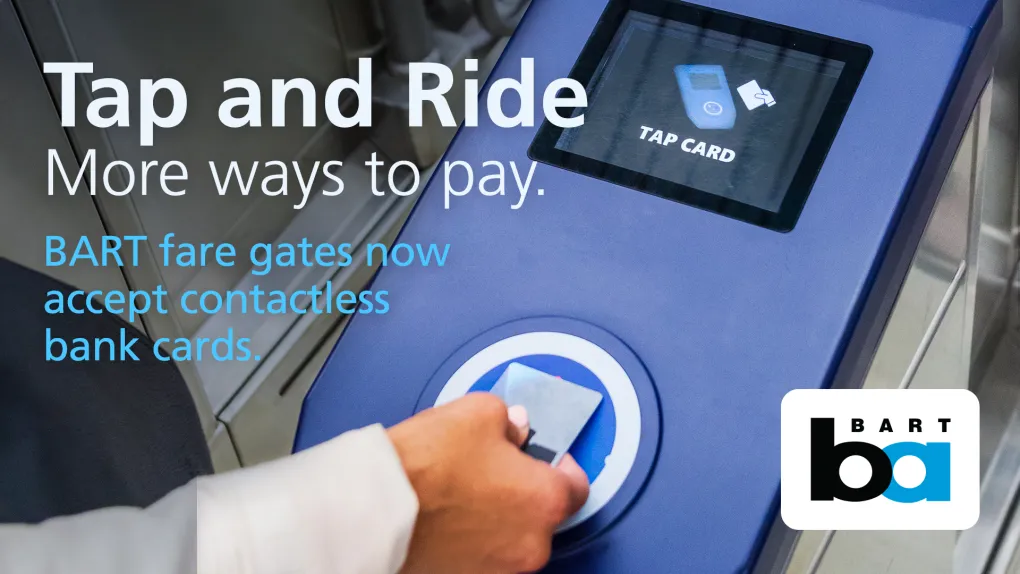
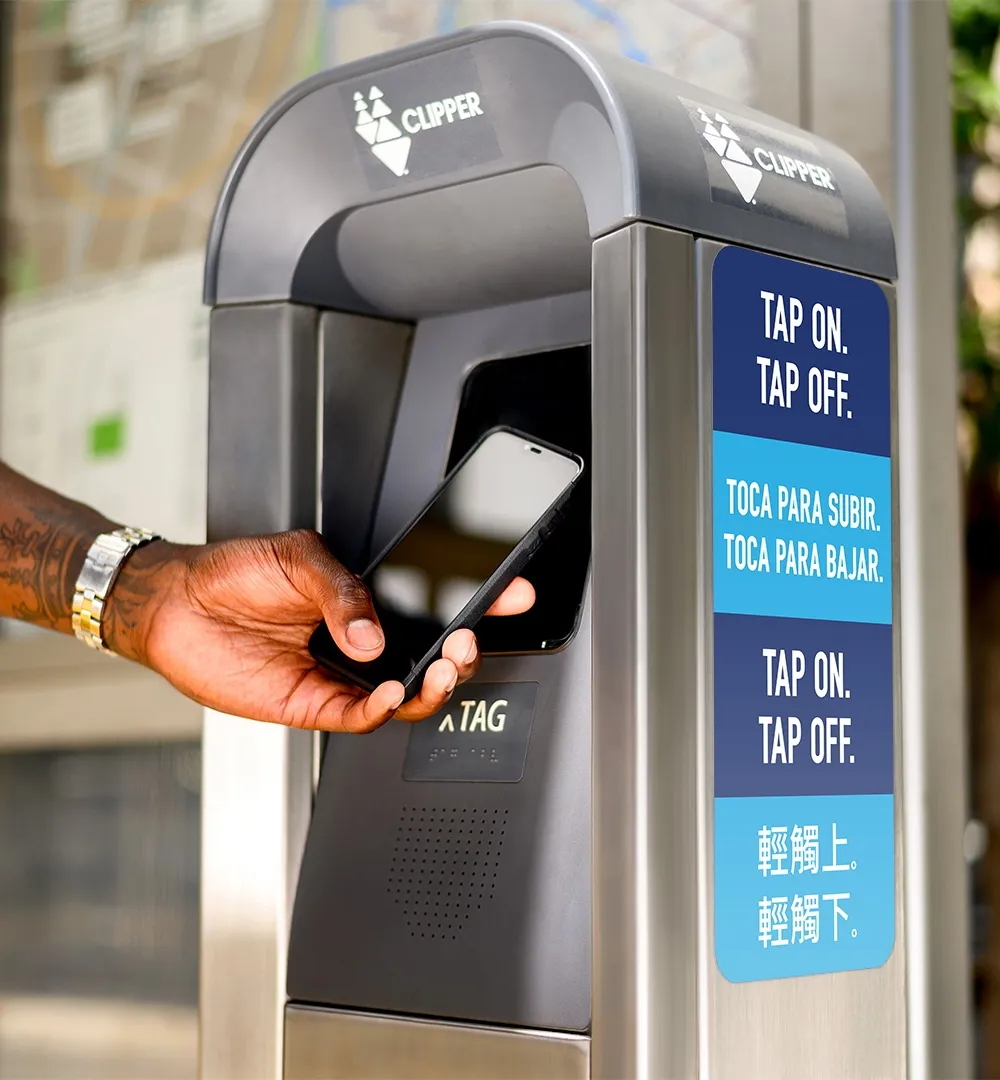
New for 2026 (Tap & Ride): You can now bypass the Clipper Card entirely on many systems (like BART and Muni) by simply tapping your contactless Visa, Mastercard, or Amex directly at the fare gate!
What is the Clipper Card?
The Clipper Card is the Bay Area's electronic fare payment system, accepted by over two dozen transit agencies across nine counties: Alameda, Contra Costa, Marin, Napa, San Francisco, San Mateo, Santa Clara, Solano, and Sonoma. It's a contactless smart card (or app-based virtual card) that stores cash value, passes, or tickets for public transportation. Think of it as your prepaid key to buses, trains, ferries, and even parking at some stations.
The Clipper Card has been the go-to fare payment system for Bay Area transit since 2010, but 2026 marks a new era with its cloud-based upgrade. As of January 2026, following the December 2025 launch, riders can now tap contactless credit or debit cards directly on readers across all 24 participating agencies, including San Francisco Municipal Transportation Agency (SFMTA/Muni), Bay Area Rapid Transit (BART), Caltrain, AC Transit, and ferries. This means no more fumbling for exact change or worrying about lost cards—everything is faster and more convenient. For San Francisco visitors, the Clipper Card is essential for unlimited rides on cable cars, streetcars, and buses, while offering discounts for multi-agency trips like from SF to Silicon Valley. In this guide, we'll cover everything from getting started to pro tips, ensuring your Bay Area transit experience is smooth and cost-effective.
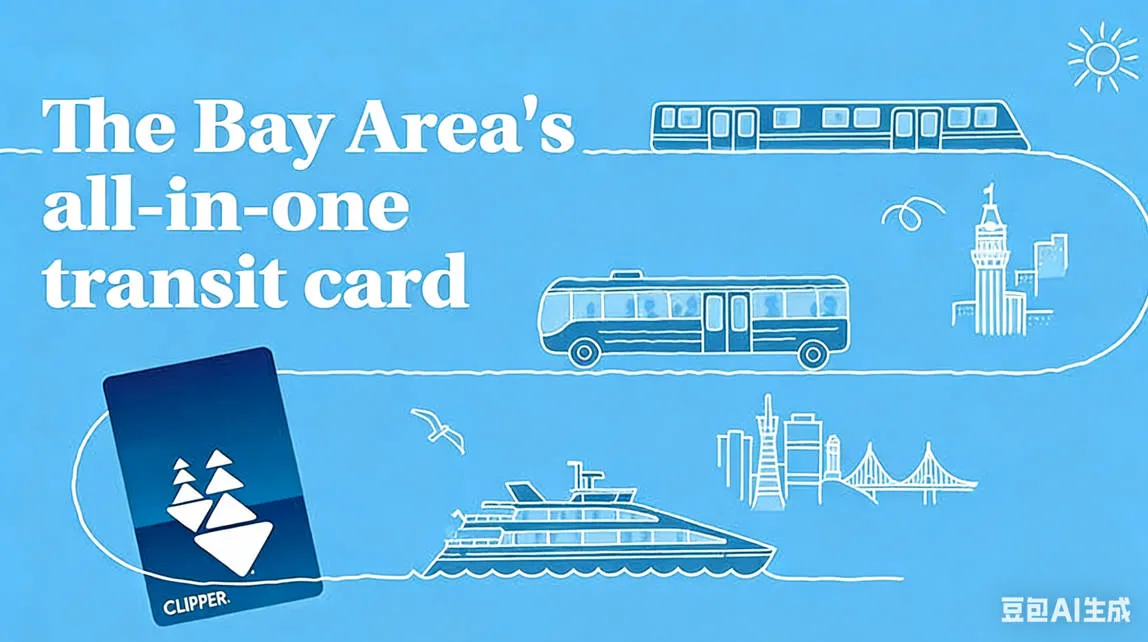
Key Benefits for San Francisco Transit Users
-
Convenience: Tap on and off without buying separate tickets for each ride.
-
Savings: Automatic discounts for transfers and special programs for youth, seniors, and low-income riders.
-
Coverage: Works on SF Muni (including cable cars), BART for cross-bay trips, Caltrain to the South Bay, and ferries to Sausalito or Alameda.
-
Eco-Friendly: Reduces paper ticket waste and encourages public transit use in traffic-heavy San Francisco.
In 2026, with BART fares increasing by 6.2% on January 1 to fund service improvements, using Clipper's high-value discounts becomes even more crucial.
What's New with Next-Generation Clipper in 2026
Launched on December 10, 2025, Next-Generation Clipper shifts to a cloud-based system, transforming how you pay for Bay Area transit. By 2026, most users have transitioned, but if your card isn't upgraded yet, it still works—full features roll out over 8-12 weeks.
Upgrading Your Existing Card
-
Log into the Clipper website or app, or call customer service (1-877-878-8883) to initiate the upgrade.
-
Registered cards upgrade faster; unregistered ones require a call.
-
Once upgraded, enjoy instant fund loading—no more waiting 24-48 hours.
Contactless Credit/Debit Card Options
-
Tap any chip-enabled credit/debit card, Apple Pay, or Google Pay directly on readers at all agencies, including Muni cable cars and BART gates.
-
This "Tap-and-Ride" feature, expanded from BART's August 2025 pilot, eliminates the need for a physical Clipper for casual riders.
-
Note: Contactless payments accrue fares like cash value but may not qualify for all passes—stick to Clipper for monthly unlimited options.
How to Get a Clipper Card in 2026
Getting a Clipper Card is straightforward, with options for physical cards or mobile versions via Apple Wallet or Google Wallet.
Recommended Option: Clipper on Your Phone (Digital Card – Often Free)
The easiest and most popular way is to add a virtual Clipper card to your phone's wallet. This avoids the $3 fee for plastic cards and lets you pay instantly.
- For iPhone/Apple Watch (iPhone 8 or later, Apple Watch Series 3 or later):
- Open the Wallet app.
- Tap the "+" icon.
- Select "Transit Card" and choose "Clipper card".
- Follow prompts to create a new card or transfer an existing one.
- Add funds (minimum load may apply for new cards).
- For Android (Google Wallet):
- Open the Google Wallet app.
- Tap "+" and select "Transit".
- Choose "Clipper card" and set up a new one or transfer.
- Add funds.
Enable Express Transit mode (in settings) for quick tapping without unlocking your phone. The Clipper app (separate download) is useful for managing balances, passes, and multiple cards, but payment happens via your phone's wallet.
Plastic Clipper Card
Adult plastic cards cost $3 (waived if you order online and set up Auto-Reload).
- Order Online (Recommended for Adults):
- Visit www.clippercard.com.
- Order a new card; it's mailed to you (7-10 business days).
- Set up Auto-Reload during purchase to get it free.
- Buy In Person:
- At participating retailers (e.g., Walgreens, Whole Foods, other stores).
- Transit ticket vending machines (e.g., BART, VTA – cash value only at some).
- Staffed locations (transit offices or Clipper service centers).
- Use the location finder on clippercard.com to search near you.
Discounted Cards (Youth, Senior, RTC/Disabled, Clipper START)
These are free and provide reduced fares/passes.
- Youth (ages 5-18), Senior (65+), and RTC cards: Apply online now (new in Next Gen), by mail, fax, or in person.
- Provide proof of eligibility (e.g., ID, birth certificate).
- Clipper START (low-income adults): Separate application.
- Once approved, get the card mailed or pick up in person.
Alternative: No Clipper Card Needed (Tap and Ride)
With Next Generation Clipper, you can pay adult fares directly using:
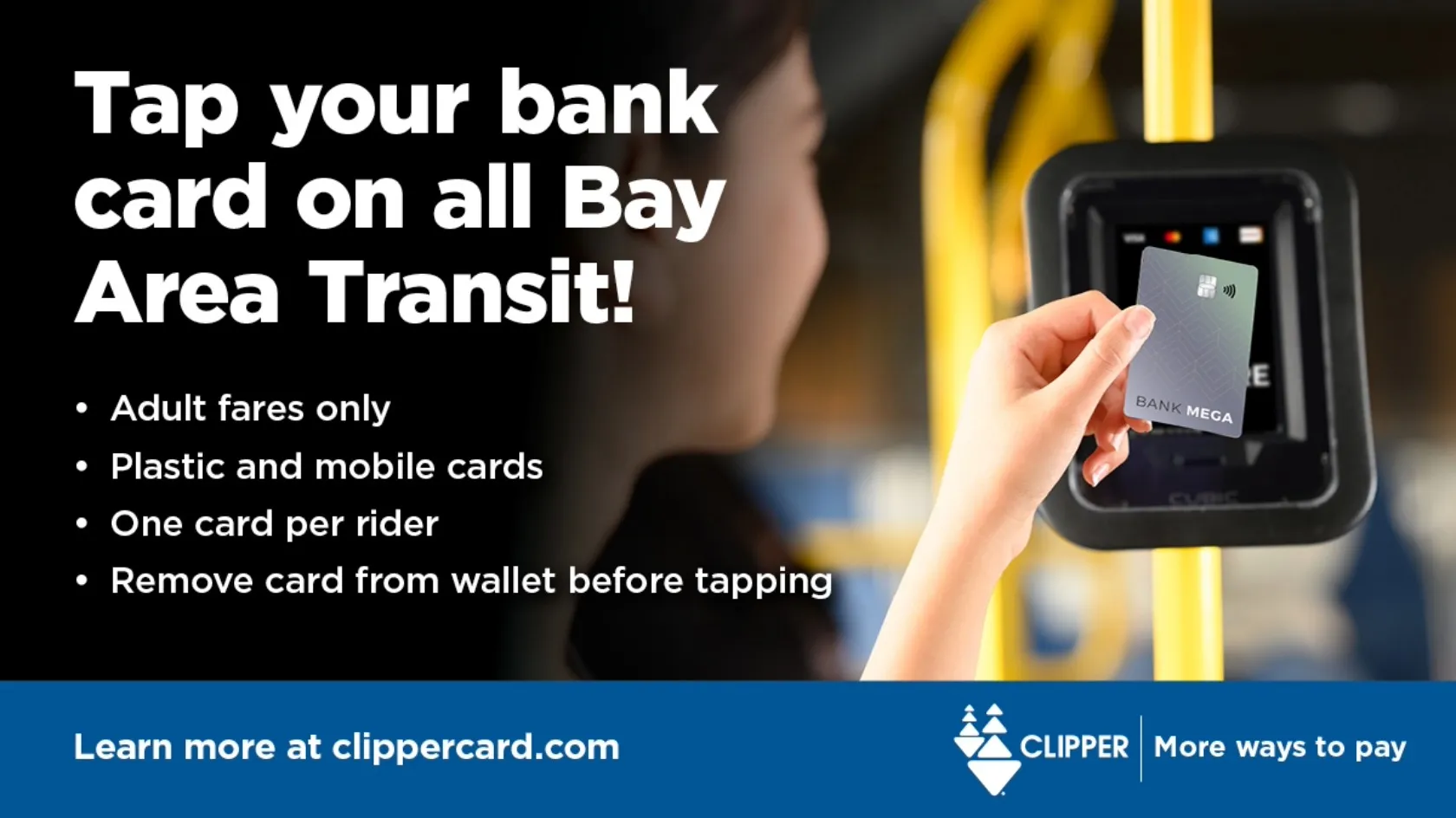
- Contactless credit/debit/prepaid bank cards (Visa, Mastercard, Amex, Discover).
- Mobile wallets (Apple Pay, Google Pay) with those cards.
Just tap your card/phone at readers. Note: Full adult fare only (no discounts); remove card from wallet to avoid "card clash."
Registering and Managing Your Clipper Account
Registering your Clipper card (the Bay Area's all-in-one transit fare payment card) protects your balance if the card is lost or stolen. It allows you to:
- Check balances and transaction history in real time.
- Add cash value or passes.
- Set up Auto-Reload.
- Report lost/stolen cards and transfer balances.
- Manage multiple cards or others' accounts.
Registration is free and easy. Some cards (like those ordered online or in the app) are automatically registered.
How to Register a New Clipper Account
-
Online (Recommended):
- Visit the official Clipper website: www.clippercard.com.
- Click on "Register" or go directly to the registration page.
- Create an account with your email and password.
- Enter your 10-digit Clipper card number (found on the back of your physical card).
- If you ordered a card online or via the app, it's already registered.
-
Via the Clipper App (iOS or Android):
- Download the free Clipper app from the Apple App Store or Google Play.
- Open the app and create a new account (or sign in if you have one).
- Tap the Cards icon at the bottom.
- Tap the "+" icon in the top left.
- Select "Register a Plastic Clipper Card".
- Enter your card number, give it a nickname, and add it.
Note: Youth, Senior, and Clipper Access (RTC) cards are automatically registered. To access their online account, call Clipper Customer Service at 877-878-8883 (TDD/TTY: 711 or 800-735-2929).
Managing Your Clipper Account
You can manage everything online or via the app with the same login credentials.
Key Features:
- Check Balance & History: View real-time balances (including restricted/unrestricted value) and transactions.
- Add Value or Passes: Load cash value, buy passes, or use transit benefits.
- Set Up Auto-Reload: Automatically add value when your balance is low or a pass expires (using credit/debit card or bank account).
- Report Lost/Stolen: Block the card and transfer balance to a new one (small fee may apply for replacement).
- Manage Multiple Cards: Add new cards to your account (e.g., via "Register a New Card" option).
- Manage Others' Accounts: Become an "Account Manager" for family members (e.g., youth or seniors) with their permission.
- Transfer Balances: Move value between cards.
- Refunds: Request refunds for eligible non-restricted value.
Via Website:
- Log in at www.clippercard.com.
- Use the dashboard for all actions.
Via Mobile (Clipper on Your Phone):
- Use the Clipper app for full management (same as website).
- For paying fares with your phone: Add Clipper to Apple Wallet or Google Wallet (separate from just registering a plastic card).
For help with issues (e.g., next-gen migration bugs), check the FAQ on the site or contact Customer Service: 877-878-8883.
How to Add Value or Buy Passes on Clipper
With Next Generation Clipper fully rolled out (launched December 2025), adding cash value (pay-as-you-go) or buying passes (e.g., 31-day/monthly for specific agencies) is seamless. Key benefits:
- Instant loading: Funds or passes added via any method are available immediately on plastic or digital cards—no waiting or re-tagging required.
- Cloud-based system: Balances and passes are stored online.
- Fare capping on many agencies: Using cash value often automatically caps spending at the pass equivalent (e.g., daily/weekly/monthly free rides after reaching the limit).
- Maximums: Up to $400 unrestricted cash value; restricted benefits up to $799.
1. Via Your Phone's Mobile Wallet (Easiest for Digital Cards)
For Clipper in Apple Wallet (iPhone/Apple Watch) or Google Wallet (Android):
- Apple Wallet:
- Open the Wallet app and select your Clipper card.
- Tap "Add Money" or similar.
- Choose amount for cash value or select a transit pass.
- Pay with Apple Pay—instantly available.
- Options include one-time load or Auto-Reload.
- Google Wallet:
- Open Google Wallet and select your Clipper card.
- Tap "Add money or pass".
- Select cash value amount or a pass.
- Confirm payment—instant.
Enable Express Transit for quick tapping without authentication.
2. Via the Clipper App (Full Features, Recommended)
The Clipper app (iOS/Android) offers the most options, including for plastic cards:
- Open the app and log in (same credentials as website).
- Select your card (plastic or digital).
- Tap Load Cash Value or Buy Passes.
- Choose amount for cash value or select an agency-specific pass.
- Pay with credit/debit card, bank account, or transit benefits.
- Instant availability.
3. Online via Website
- Visit www.clippercard.com and log in.
- Select your card from the dashboard.
- Choose Add Value (for cash) or Buy Passes (for agency passes).
- Select amount or pass type.
- Complete payment.
- Funds/passes load instantly.
4. In Person (Cash or Card Options)
- Retail Locations (e.g., Walgreens, Whole Foods): Add cash value (some passes) with cash, debit/credit. Use the retailer locator on clippercard.com.
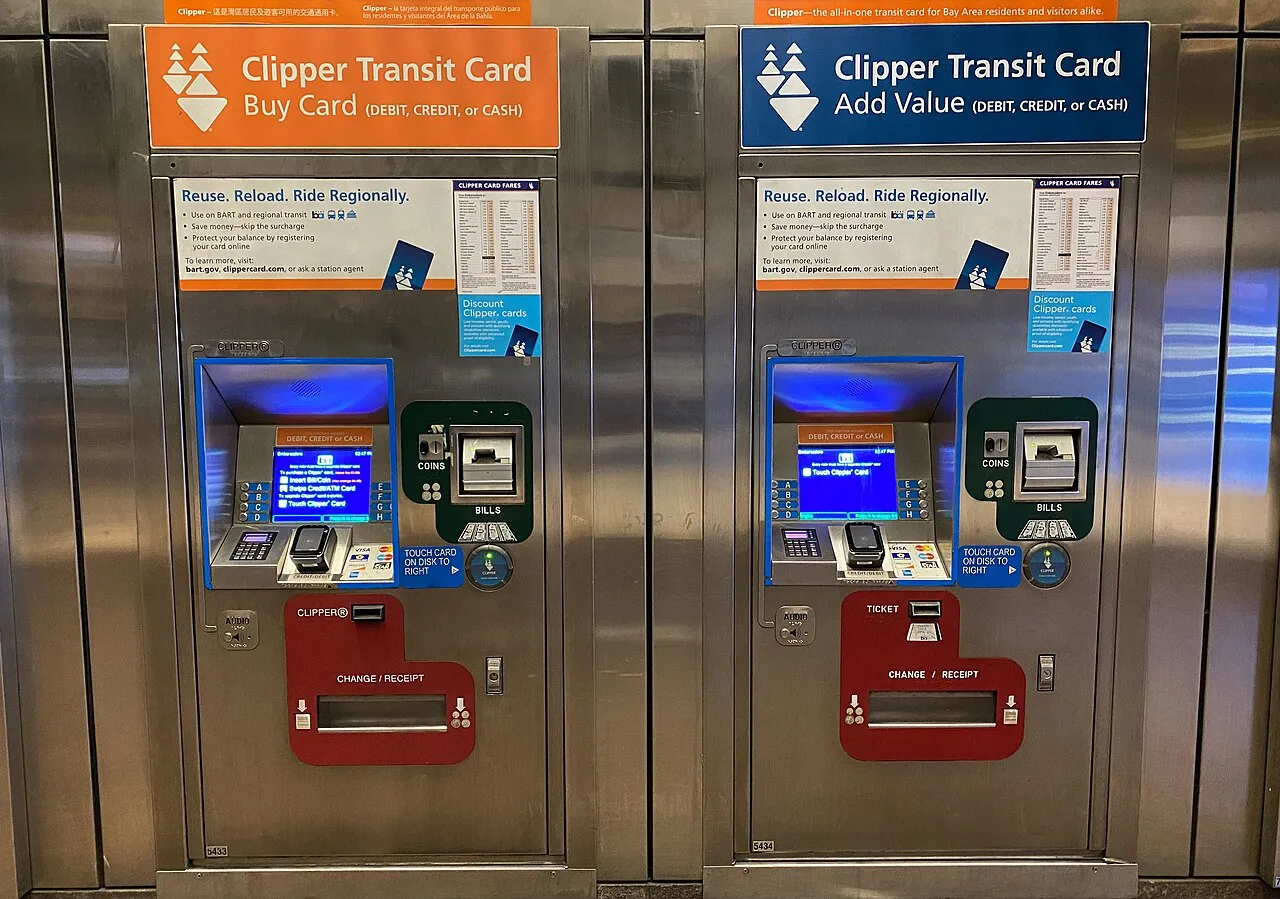
- Ticket Vending Machines (BART stations, VTA, Caltrain, etc.): Add cash value or passes; accept cash, credit/debit. Instant.
- Transit Ticket Offices: Full options, including cash.
Setting Up Auto-Reload
Avoid low balances automatically:
- In the Clipper app or website:
- Select card > Manage Auto-Reload.
- Set triggers (e.g., reload when below $10, or auto-buy pass on expiration).
- Choose cash value amounts or specific passes.
- Add payment method (with optional backup card).
- Enhanced in Next Gen: More flexible triggers and schedules.
- For phone wallets: Often set up directly in wallet or via app.
Buying Passes
- Available for agencies like Muni, AC Transit, Caltrain (31-day/monthly typically).
- Discounted for Youth/Senior/RTC/START cards.
- Many riders prefer cash value due to fare capping (automatic "pass" benefits without upfront purchase).
- Passes activate on first use or extend existing ones seamlessly.
Using Your Clipper Card on Bay Area Transit Systems
Tap your card or phone on the reader when boarding (and sometimes exiting for distance-based fares like BART).
Muni Buses, Streetcars, and Cable Cars
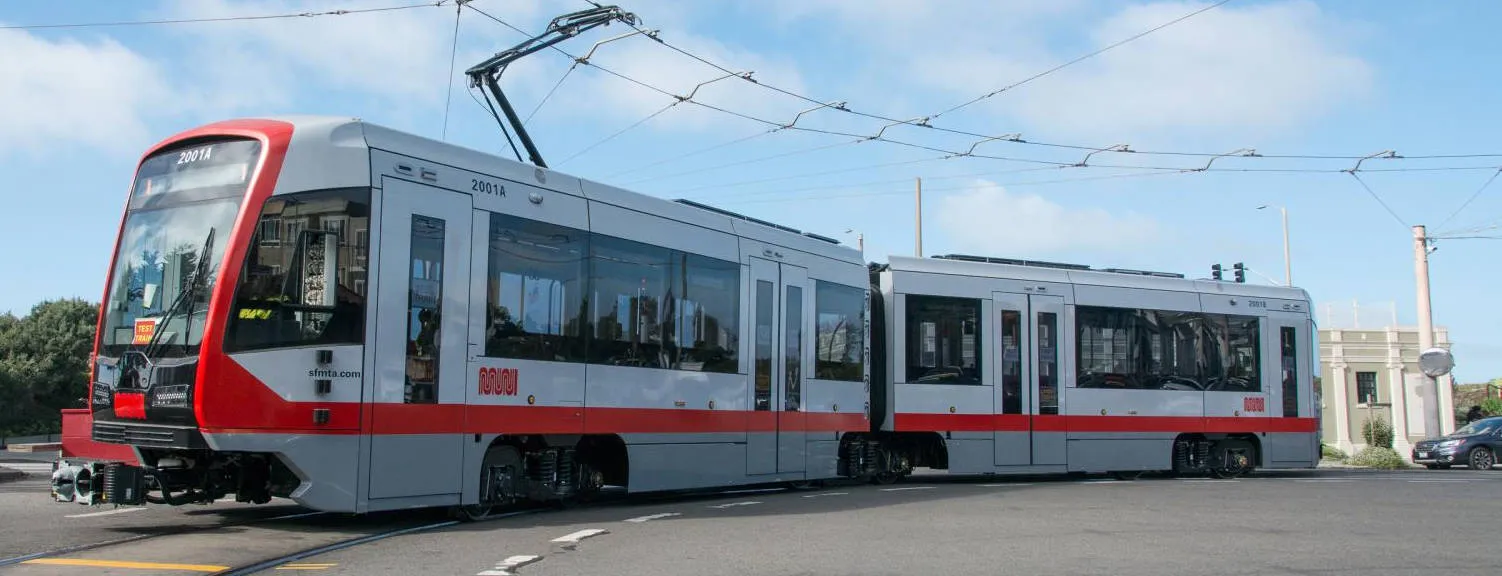
San Francisco Muni (operated by SFMTA) includes buses, Muni Metro light rail trains, historic streetcars (primarily the F-Market & Wharves line), and the iconic cable cars. Clipper is fully accepted on all of these, with the Next Generation Clipper system making payments seamless—instant loads, fare capping, and direct contactless bank card taps (since December 2025).
Muni uses a proof-of-payment system: Always tag your Clipper card (or tap a contactless bank card/phone) when boarding, even with a pass, to validate your fare and enable transfers/capping. Fare inspectors may check.
Muni Buses and Historic Streetcars (F-Line)
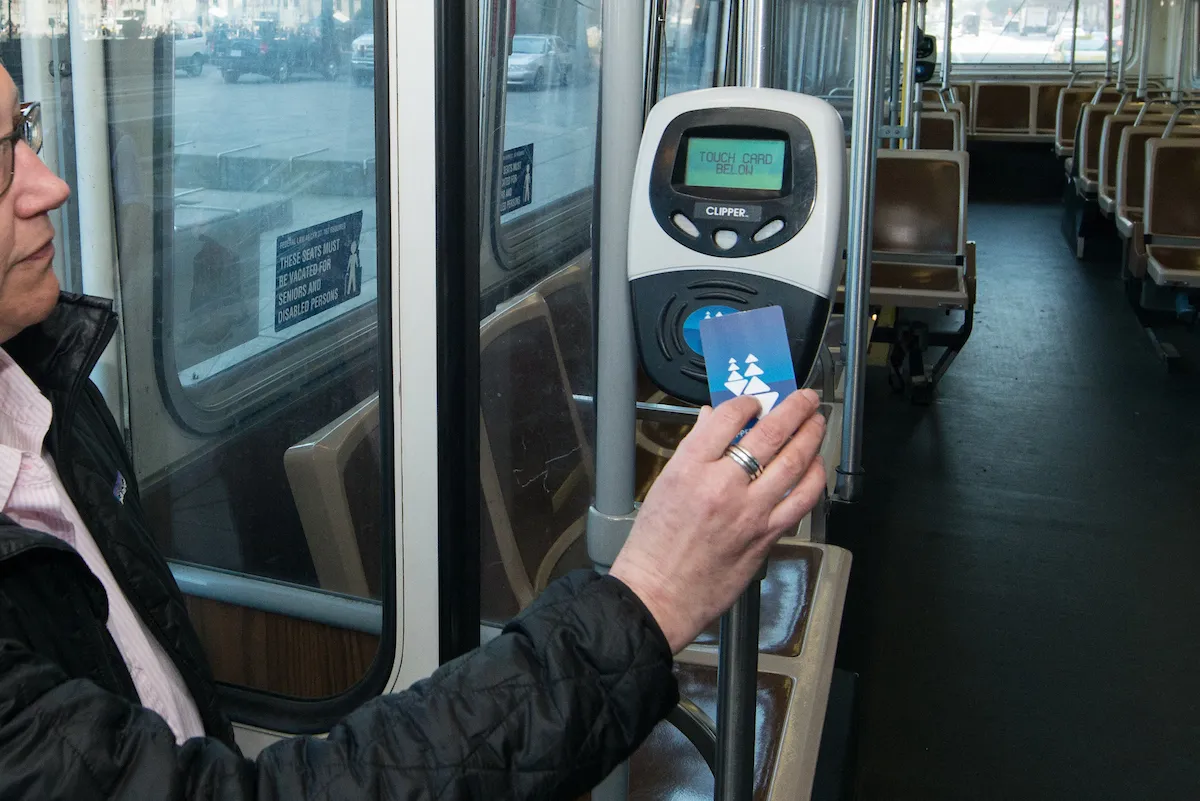
- Readers: Located near the doors (front and rear) on buses and streetcars.
- How to Tag:
- Board through any door.
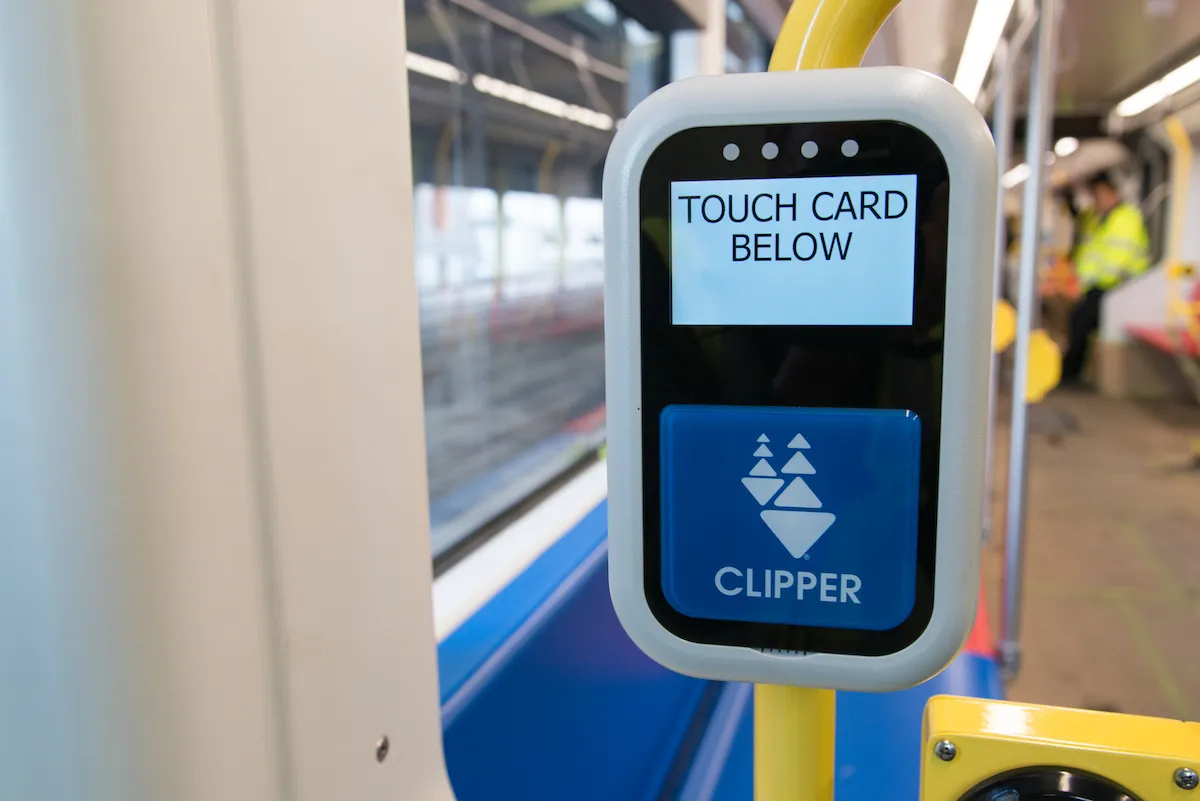
- Hold your plastic Clipper card, phone (with Clipper in Apple/Google Wallet), or contactless bank card flat against the reader until you hear a beep and see a green light.
- Enable Express Transit on your phone for quick taps without unlocking.
- Flat fare: Single ride deducted (adult ~$2.75-$3 with Clipper; exact amounts at sfmta.com/fares).
- Transfers: Automatic 120-minute unlimited transfers on Muni (excluding cable cars).
- Late Night: Tag once after 8:30 p.m. for unlimited rides until 5 a.m.
- Fare Capping: Pay-as-you-go with cash value or taps—automatically caps at daily/weekly/monthly limits for free rides after reaching the equivalent.
Muni Metro Light Rail (Subway/Surface Trains)
- Readers: At station fare gates (underground) and on platforms or vehicles (surface stops).
- How to Tag:
- Underground stations: Tag at fare gates to enter (gates open automatically on exit—no tag out needed).
- Surface platforms: Tag on vehicle readers when boarding.
- Same flat fare, transfers, and capping as buses/streetcars.
- Shared stations with BART (e.g., Embarcadero): Separate Clipper readers available.
Cable Cars
- Special Process: No fixed readers on the cars.
- How to Pay:
- The conductor uses a handheld Clipper reader to tag your card (plastic, phone, or contactless bank card).
- Or pay cash/single-ride ticket to the conductor.
- Higher single-ride fare (~$9 adult; discounted evenings for seniors).
- Included in Passes: Muni monthly "M" or "A" passes (on Clipper) provide unlimited cable car rides. Day/Visitor Passports also include them.
- Pre-pay recommended at busy terminals (e.g., Powell & Market) to avoid lines.
- Youth 18 and under: Free on most Muni, but cable cars require special pass/application for locals.

Tips for All Muni Services
- Discounts: Youth (free except cable cars), Senior/RTC, Clipper START—use registered discount Clipper cards. Contactless bank taps pay full adult fare only.
- Direct Tap-to-Pay: Use contactless credit/debit cards or mobile wallets directly on readers (no Clipper needed for adult single rides).
- Issues: Low balance = red beep. Register your Clipper for protection.
- For real-time alerts, routes, or fares: Use the SFMTA app, website (sfmta.com), or Clipper app/site.
- Customer Service: Clipper 877-878-8883; SFMTA 311 (or 415-701-2311).
BART (Bay Area Rapid Transit)
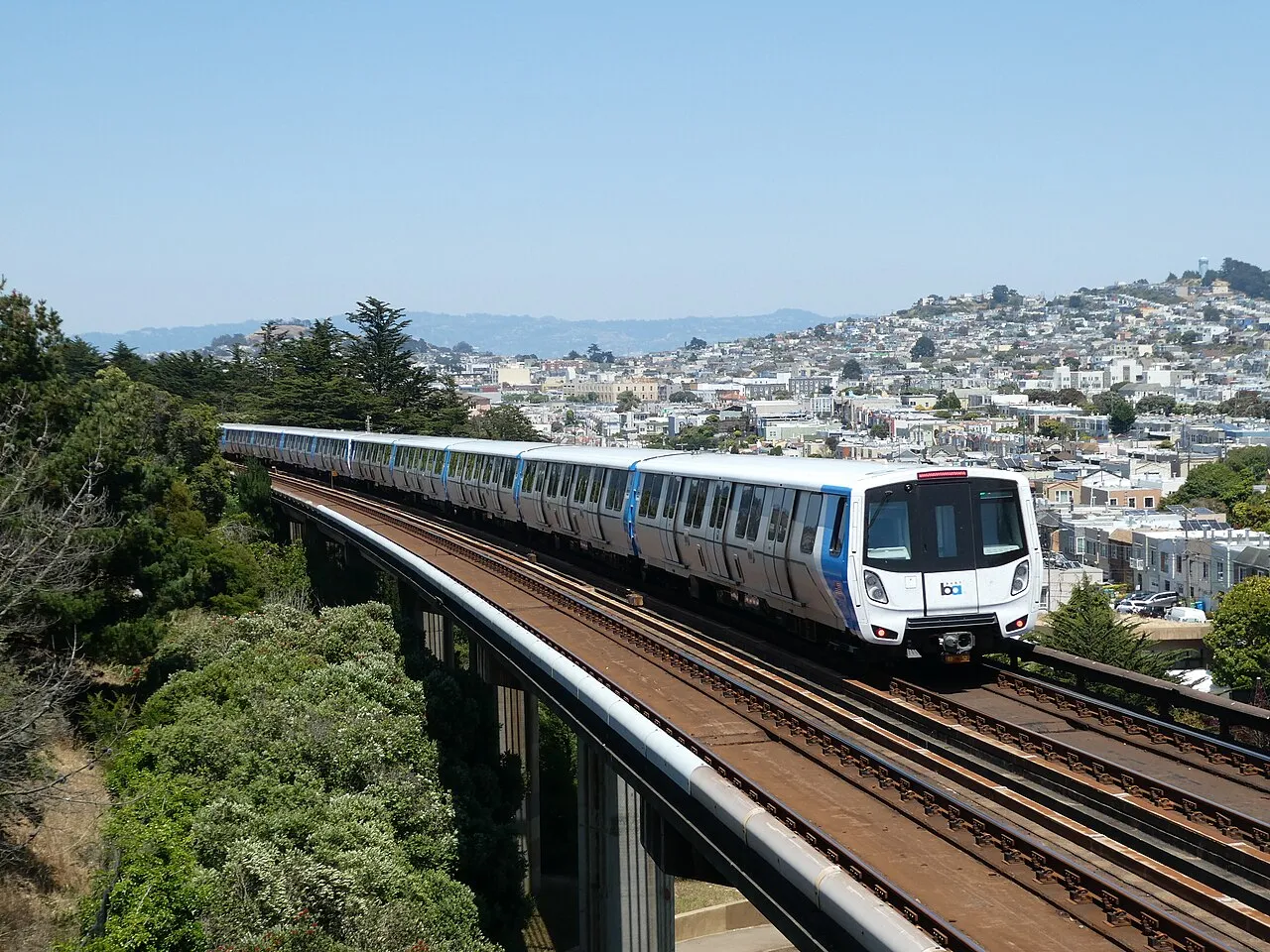
BART is a distance-based rapid transit system connecting San Francisco, the East Bay, Peninsula, and SFO/OAK airports. With Next Generation Clipper fully implemented (launched December 10, 2025), paying fares is more convenient, including automatic inter-agency transfer discounts (up to $2.85 within 2 hours) and a 30-minute grace period to avoid excursion charges if you enter but don't ride.
Clipper (plastic or digital) is the primary way to get discounts and transfers. You can also use Tap and Ride (direct contactless bank card or mobile wallet) for full adult fares only.
How to Tag On and Off
- Always tag on when entering the paid area at station fare gates (look for Clipper logo on readers).
- Always tag off when exiting at your destination station—the exact distance-based fare is deducted automatically.
- Hold your plastic card, phone/watch (with Clipper in Apple/Google Wallet), or contactless bank card flat against the reader until you hear a beep, see "OK," and the gate opens.
- Enable Express Transit mode on your phone for quick taps without unlocking/authenticating.
- Avoid "card clash": Remove other contactless cards from your wallet/case.
- Use the same card/device for entry and exit.
Fares and Discounts
- Fares vary by distance (use the BART Fare Calculator).
- No daily/weekly/monthly passes on BART alone (except limited options like Muni+BART "A" pass for SF intra-city).
- Discounts (require registered discount Clipper card; not available via Tap and Ride yet):
- Youth (5-18): 50% off
- Senior (65+): 62.5% off
- Persons with disabilities (Clipper Access): 62.5% off
- Low-income (Clipper START): 50% off (pilot program)
- High-Value Discount: 6.25% bonus on loads of $45/$60 via Auto-Reload
- Children 4 and under: Free
- Minimum balance to enter: ~$2.40 adult (lower for discounts)
Key Features and Rules
- 30-minute grace period: Enter but change your mind? Exit within 30 minutes without riding—no excursion fare charged (available on upgraded Next Gen cards and Tap and Ride).
- Excursion fare (~$7.55 penalty): Charged if no ride after entry/exit mismatch, or same-station round trip without riding.
- Insufficient balance to exit: Gate shows "UNDERPAID"—use Add Fare machines inside paid area (cash/credit) or add via phone.
- Transfers: Automatic discounts when transferring to/from other agencies (e.g., Muni, AC Transit) within 2 hours—best with Clipper.
- No fare capping on BART (unlike some local systems).
Tips for BART
- Add value at station vending machines (hold card to reader twice during process) or via app/website/phone wallet—instantly available.
- Proof of payment: Fare inspectors or police may check—keep card ready.
- Shared stations (e.g., with Muni Metro): Separate readers/gates.
- For SFO/OAK: Standard distance fare applies.
- Issues? Contact Clipper Customer Service: 877-878-8883 (not BART directly for Clipper problems).
Caltrain and Other Rail Services
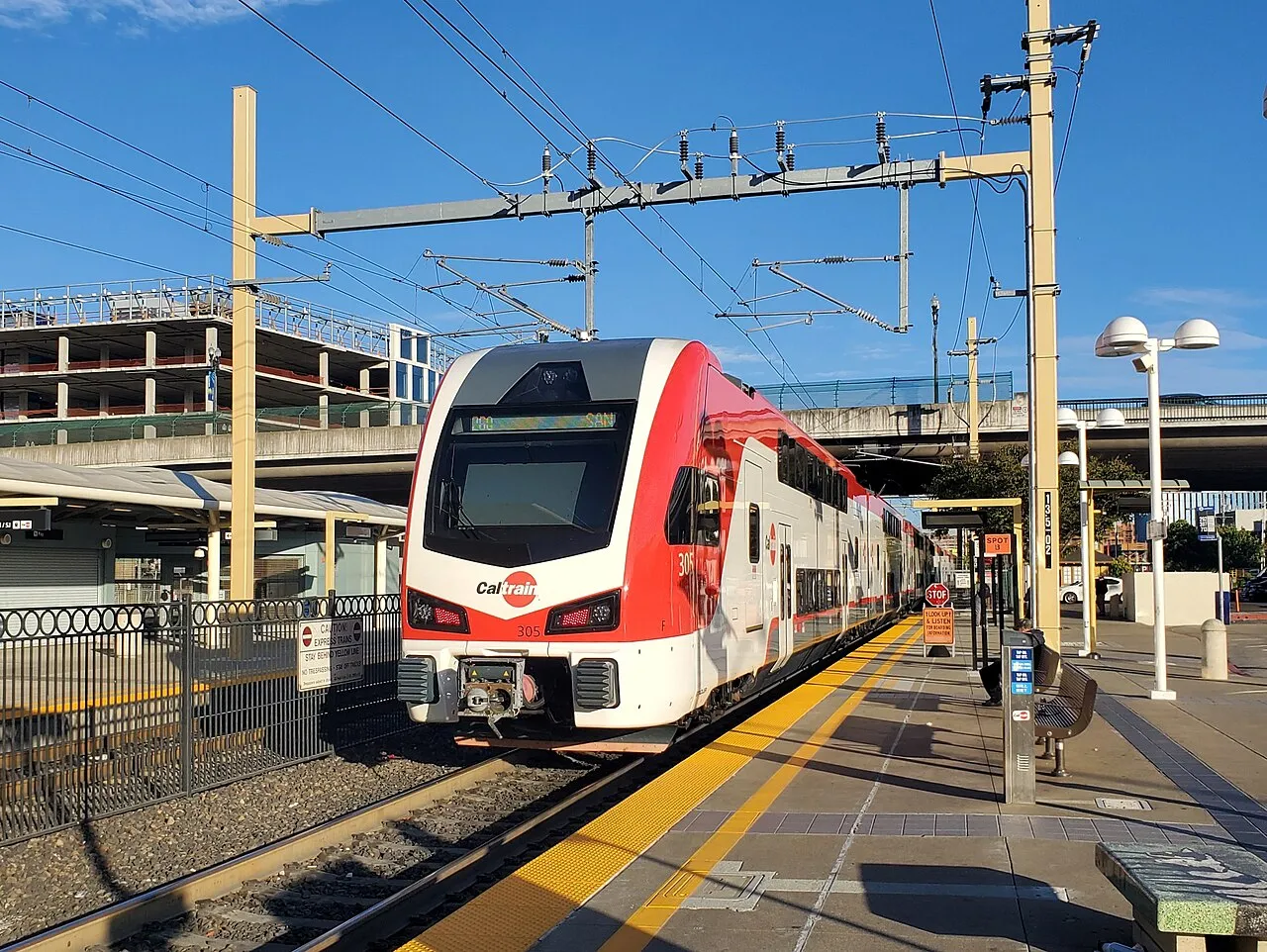
Caltrain is a zone-based commuter rail system running from San Francisco to Gilroy (6 zones). With Next Generation Clipper fully implemented, tagging is required for every trip (even with passes), and inter-agency transfer discounts (up to $2.85 within 2 hours) apply automatically.
How to Tag
- Standalone validators are on station platforms (look for Clipper logo).
- Tag on before boarding (hold plastic card, phone/watch, or contactless bank card flat until beep/green light).
- Tag off after exiting—the exact zone-based fare deducts.
- Enable Express Transit on phones for quick taps.
- Use the same device/card for on and off.
- Proof of payment: Conductors may check—keep ready.
- Balances no longer display on readers (check app/website).
Fares and Changes
- Fares based on zones traveled (e.g., 1 zone: ~$4 adult; up to 6 zones: ~$15.25).
- Clipper discount eliminated (Jan. 1, 2026): Prices now align across payment methods—no more savings on Clipper single rides or monthly passes.
- Monthly passes (on Clipper only): Unlimited weekday rides in purchased zones; weekends/holidays all zones.
- Discounts: Youth/Senior/Disabled/Clipper START require registered discount Clipper card (not via direct bank tap).
- Add value/passes at ticket vending machines (accept Clipper), app, or website—instant.
Tips
- Forget to tag off? Maximum fare charged (refund possible via customer service).
- Recent glitches (early Jan. 2026) fixed; check status if issues persist.
- Visit caltrain.com/fares for zone map and calculator.
Other Bay Area Rail Services Accepting Clipper
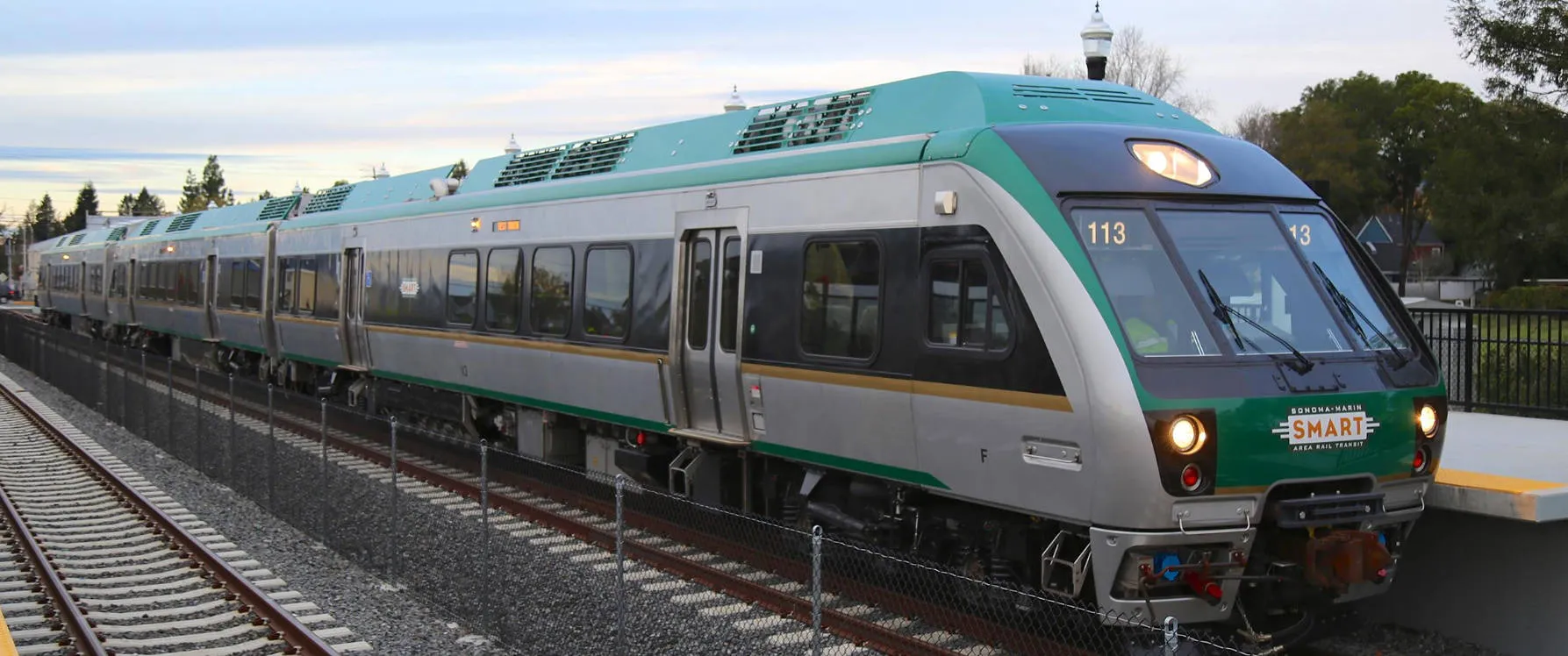
- Sonoma-Marin Area Rail Transit (SMART): North Bay commuter rail (Larkspur to Sonoma County Airport). Zone-based; tag on/off at platform readers. Youth/Senior free; discounts via Clipper. Accepts Clipper cash value or 31-day passes.
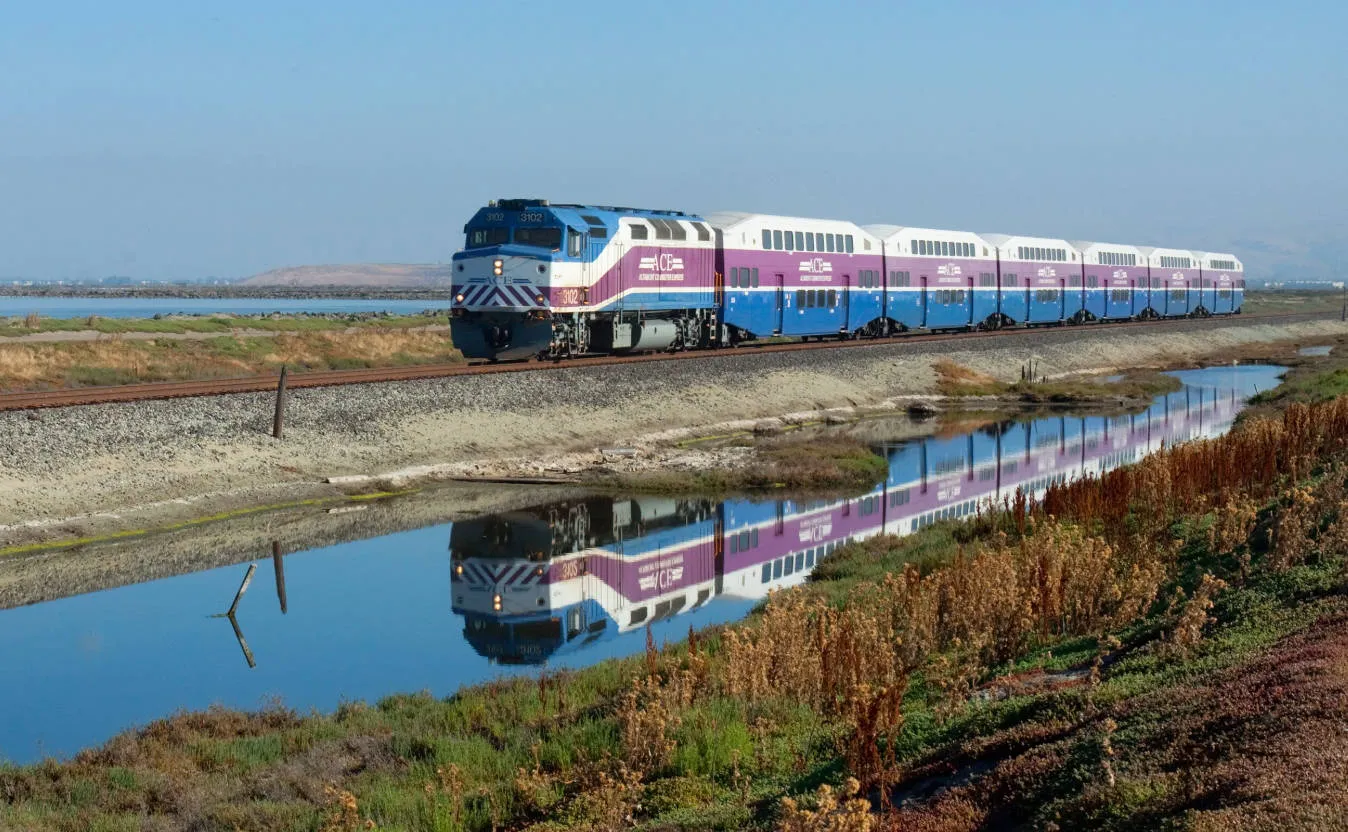
- Altamont Corridor Express (ACE): Commuter rail from Stockton to San Jose (connects with Caltrain/VTA). Does NOT accept Clipper—use ACE mobile app or tickets.
Ferries and Water Transit
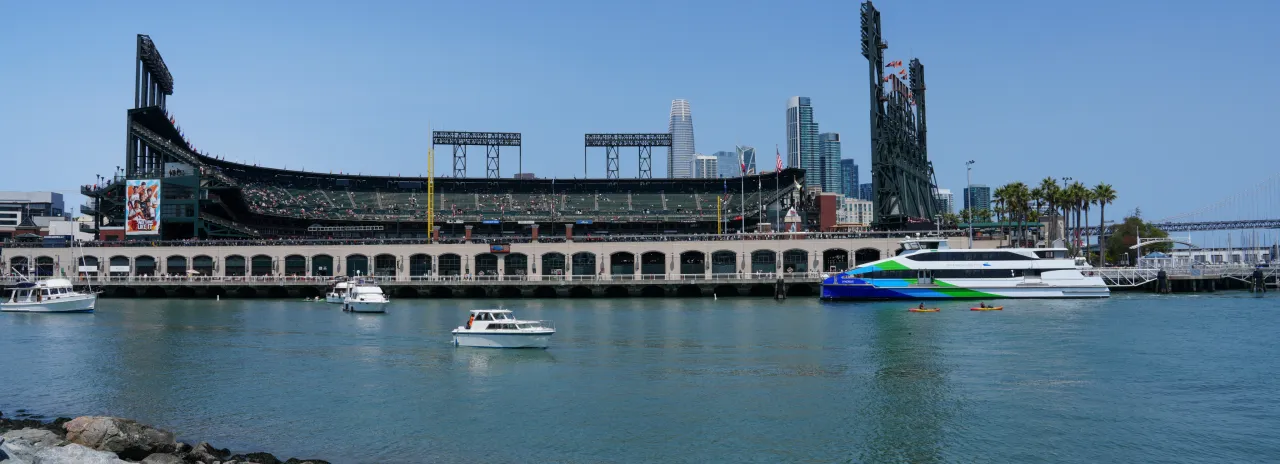
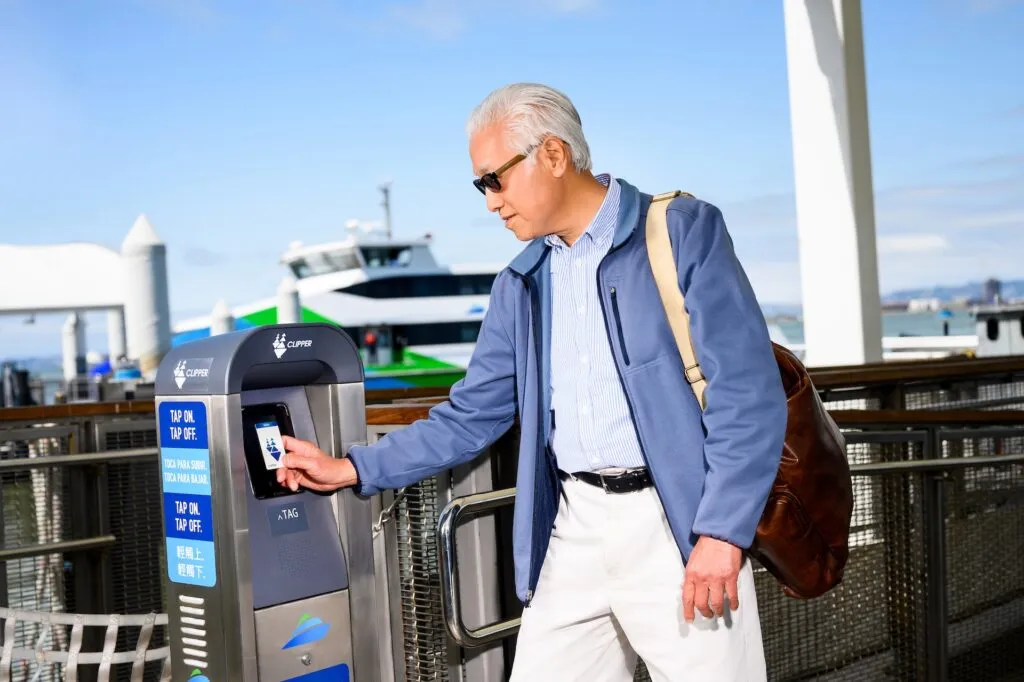
Bay Area water transit includes two main ferry operators accepting Clipper: San Francisco Bay Ferry (routes like Oakland/Alameda to SF, Vallejo to SF, Richmond to SF) and Golden Gate Ferry (routes like Larkspur/Sausalito/Tiburon to SF, plus Angel Island). With Next Generation Clipper (launched December 2025), you can use plastic Clipper cards, digital Clipper in Apple/Google Wallet, or direct Tap and Ride with contactless bank cards (Visa, Mastercard, Amex, Discover) for adult fares. Discounts (Youth, Senior, Clipper START, Clipper Access) require a registered discount Clipper card—bank taps pay full adult fares only.
Clipper offers automatic transfer discounts (up to $2.85 within 2 hours) to/from agencies like Muni, AC Transit, and SolTrans. Note: Clipper is not accepted on special event services (e.g., to Oracle Park or Chase Center).
San Francisco Bay Ferry
This operator uses a distance-based fare system (tag on and tag off for correct charging). Fares vary by route/zone (e.g., minimum adult ~$4.90–$5.40 one-way; check current rates on sfbayferry.com or Clipper site).
How to Tag:
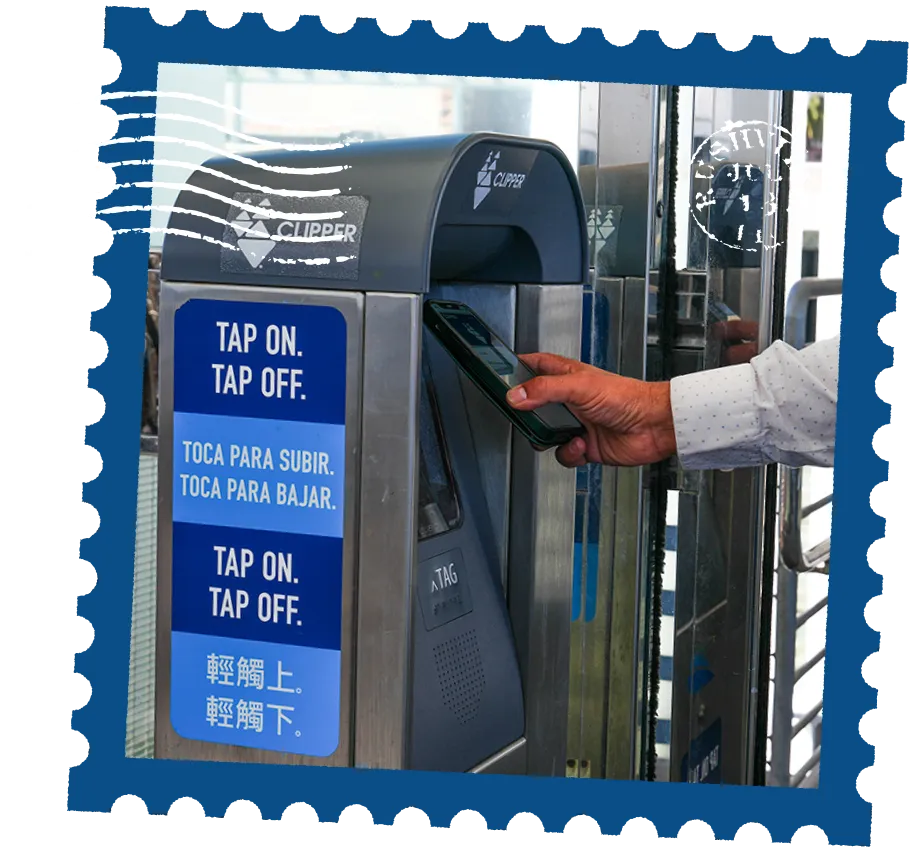
- Tag on at terminal readers/gates before boarding (hold your card/phone/bank card flat until beep/green light).
- Tag off when exiting at your destination—the fare deducts correctly, and any overcharge credits back automatically.
- If you forget to tag off: Charged maximum fare (refund possible via Clipper support).
- Enable Express Transit on phones for quick taps.
- Minimum balance required (e.g., $4.90+ adult cash value; lower for discounts). Red light means insufficient funds—buy a paper/mobile ticket instead.
- One card per passenger (no group payments on one account).
Golden Gate Ferry
This uses flat fares per route (e.g., Larkspur/SF ~$7–$13 adult one-way; Clipper gives ~30–40% discount vs. cash/paper). No tag off needed.
How to Tag:
- Tap once every time you board (flat fare deducts).
- Departing from SF Ferry Building or Larkspur: Tap at terminal readers before boarding.
- Departing from Sausalito, Tiburon, or Angel Island: Tap as directed by ferry staff (often onboard or at gate).
- Minimum balance: ~$5.25+ adult cash value (higher for some discounts).
Tips for All Ferries
- Avoid "card clash": Remove other contactless cards.
- Use the same method (same card/device) for consistency.
- Add value instantly via app, website, or terminal machines.
- For discounts: Register Youth/Senior/etc. cards (apply online now).
- Proof of payment: Staff may check—keep ready.
- Issues? Call Clipper Customer Service: 877-878-8883 (TDD/TTY: 711). Recent migration glitches (early Jan 2026) mostly resolved.
Can You Refund a Clipper Card?
Yes, you can get a refund for the balance on a Clipper card, but the process is quite formal and involves several restrictions and fees.
It is important to know that Clipper does not offer "instant" refunds at vending machines or ticket counters. Instead, you must essentially cancel your account to get your money back.
1. Requirements for a Refund
-
Registration: Only registered Clipper cards are eligible for a refund. If you haven't registered yours, you can do so at clippercard.com.
-
Minimum Balance: Your card must have a balance of at least $5.00.
-
Administrative Fee: Clipper charges a $5.00 processing fee for all refunds. If your balance is exactly $5.00, the fee will wipe it out, and you will receive nothing.
-
No "Pre-tax" Refunds: If any portion of your balance came from a transit benefit program (pre-tax dollars from an employer), the IRS prohibits those funds from being refunded to you as cash.
2. How to Request a Refund
To get your money back, you must submit a Clipper Card Cancellation Form.
-
Download the Form: Get the "Card Cancellation Form" from the Clipper website’s forms page.
-
Mail the Physical Card: You generally must mail the physical card along with the form to the address provided (usually a P.O. Box in Concord, CA).
-
Wait for a Check: Refunds are typically issued as a paper check sent to your registered address. This process usually takes 30 days.
3. Alternatives to a Full Refund
If you don't want to deal with the $5 fee or the 30-day wait, consider these options:
-
Spend Down the Balance: Since the card doesn't expire, the easiest way to "refund" yourself is simply to use the remaining balance on a bus or train until it’s gone.
-
Balance Transfer: If you lost your card or it’s damaged, you can transfer the balance to a new card for a smaller fee (usually $3.00) rather than requesting a cash refund.
-
Damaged/Defective Cards: If your card is physically defective (and not just worn out from age), you can submit a "Defective Card Form" to have the balance transferred to a replacement card for free.
Frequently Asked Questions (FAQ)
Q1: Can I pay for my whole family with one Clipper card?
A: No. Every rider (age 5+) must have their own Clipper card or use their own contactless payment device.
Q2: Does Clipper work for the Golden Gate Bridge toll?
A: No, Clipper is for transit only. Bridges use FasTrak.
Q3: What happens if my phone dies?
A: If you use a digital card, your phone must be on to tap. However, modern iPhones can often use "Express Mode" for a few hours even after the battery "dies." It’s still safer to keep a portable charger!
Q4: Is Clipper Card cheaper than buying single tickets?
A: In most cases, yes. Using Clipper often provides lower fares and free or discounted transfers compared to cash or paper tickets, especially on Muni and BART.
Q5: What happens if I forget to tap out on BART?
A: If you forget to tap out, BART may charge a maximum fare. You can request a fare adjustment through your Clipper account if the card is registered.
Q6: Does Clipper Card expire?
A: No. Clipper Card balances generally do not expire, but long-inactive cards may be deactivated and require reactivation.
Q7: Is Clipper Card the best way to get around San Francisco in 2026?
A: Yes. For most travelers, Clipper Card is the most flexible, cashless, and widely accepted way to travel around San Francisco and the Bay Area in 2026.
Mastering the Clipper card is the secret to a stress-free San Francisco adventure. With the 2026 Clipper 2.0 updates, you’ll save money on every transfer and skip the long lines at ticket machines. Download your card today and get ready to climb those hills!🌉✨
Related guide: SFO vs SJC vs OAK: Best Airport for Silicon Valley; The Ultimate US City Subway Guide: Save Money on NYC, DC, and LA Metro Rides – Tickets, Routes, Tips & More